
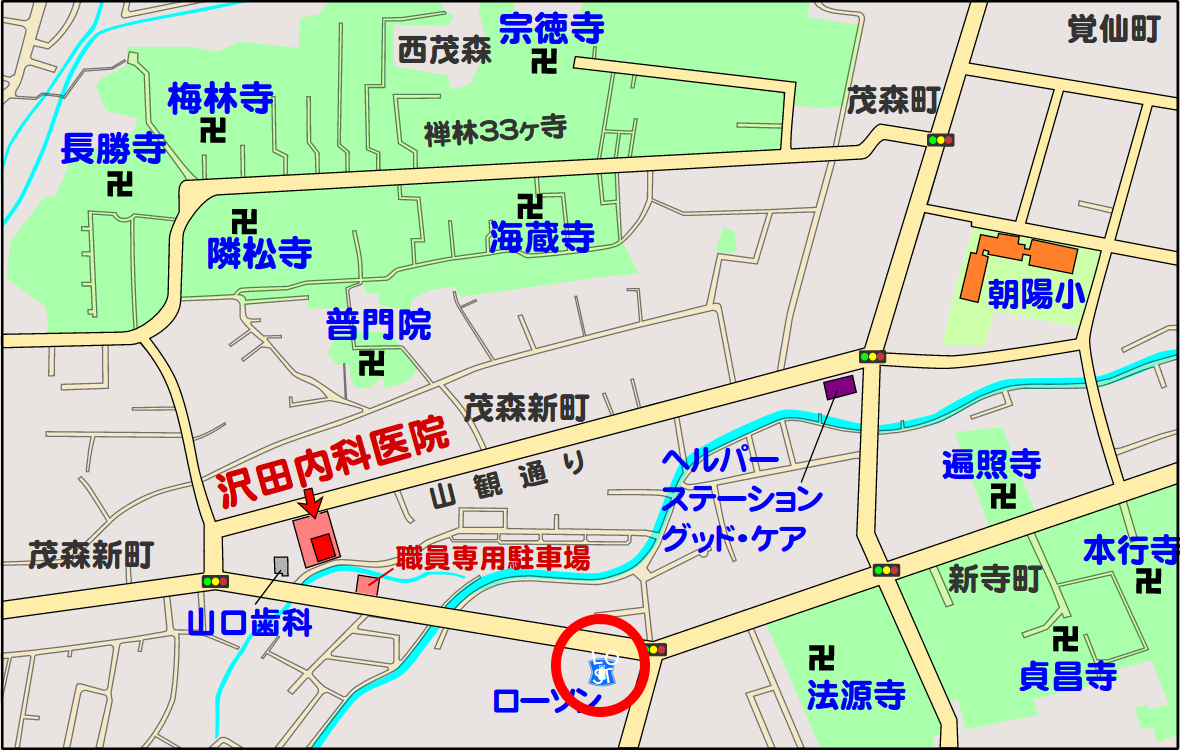
 よくよく見るとローソンのロゴの上に白色の文字がありました。
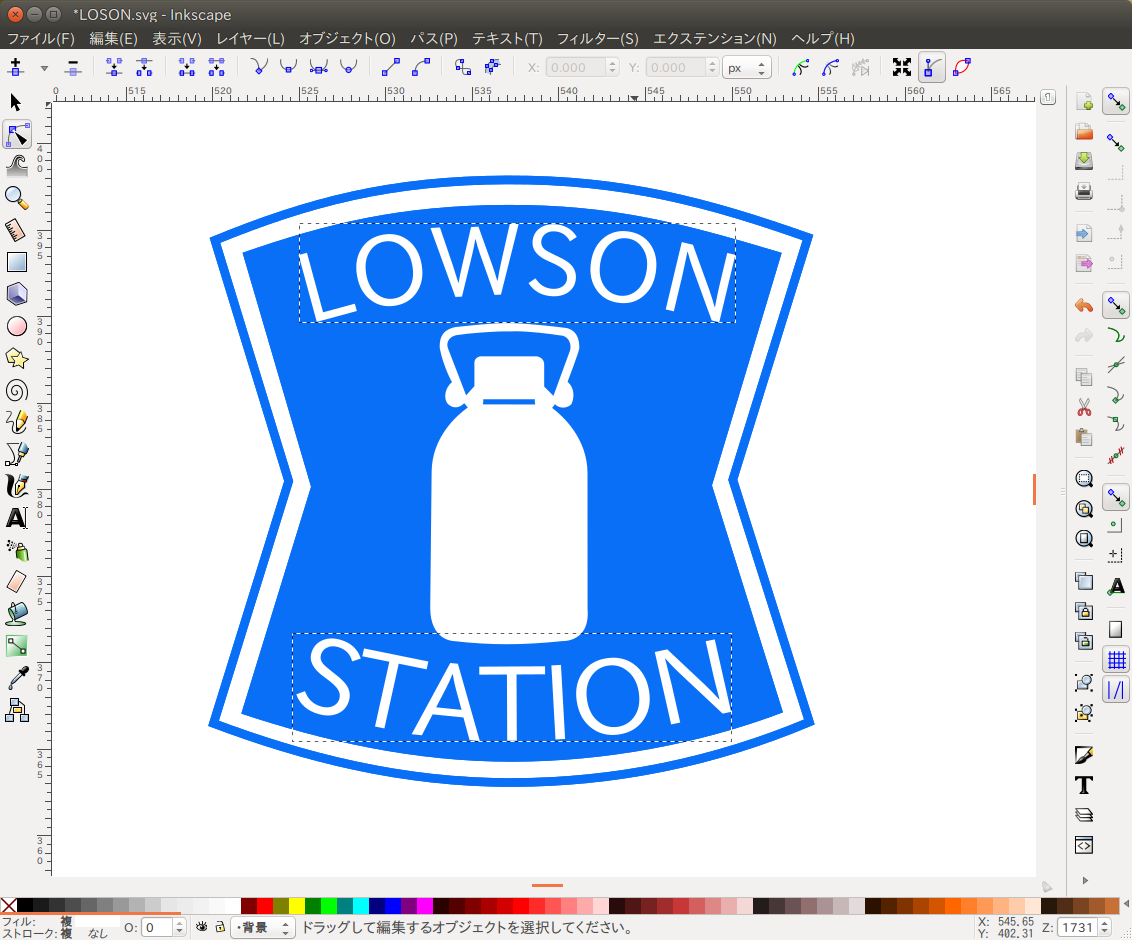 どうやらローソンのロゴをトレースした際に、文字をパスに変換していなかった事が原因のようです。
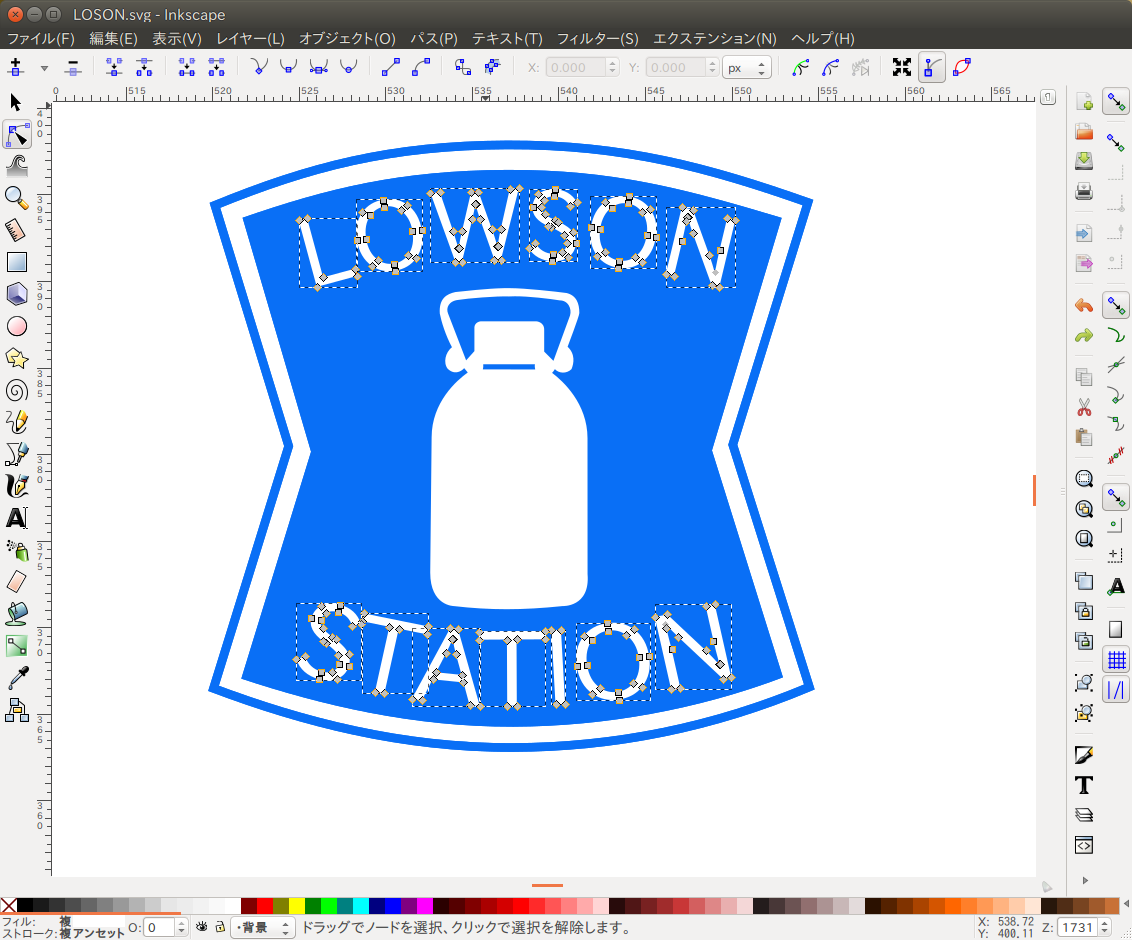 該当の文字を選んで、Inkscapeの「パス(P)」メニューから「オブジェクトをパスへ(O)」を選択し、文字をパスに変換します。
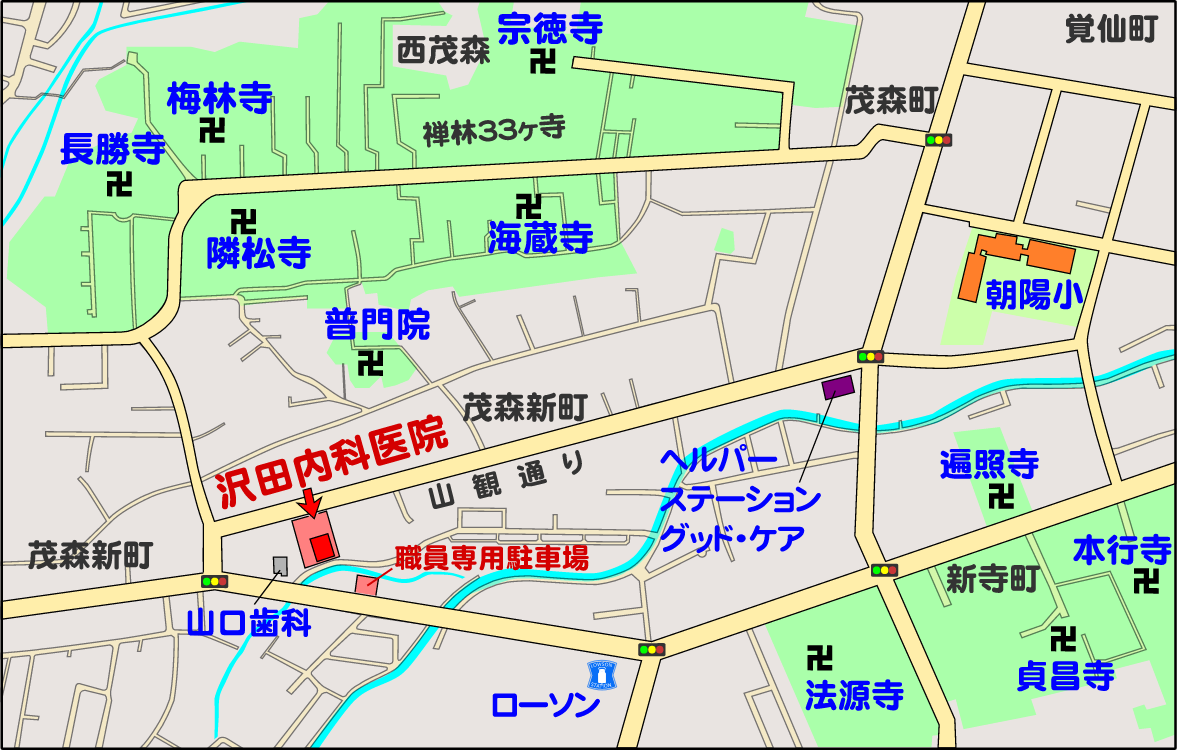 ついでに、地図上の文字は全てパスに変換しました。
「本行寺」の文字は右端にかかっていたので、位置を修正しました。
ブラウザで拡大しても、正しく見えるハズです。

よくよく見るとローソンのロゴの上に白色の文字がありました。
どうやらローソンのロゴをトレースした際に、文字をパスに変換していなかった事が原因のようです。
該当の文字を選んで、Inkscapeの「パス(P)」メニューから「オブジェクトをパスへ(O)」を選択し、文字をパスに変換します。
ついでに、地図上の文字は全てパスに変換しました。
「本行寺」の文字は右端にかかっていたので、位置を修正しました。
ブラウザで拡大しても、正しく見えるハズです。